30.09.2026Omnissiah
Liber Imperium has a new look
We have rebuilt the site from the ground up: a new look, search from any page, reworked book and timeline pages, and a built-in reader and audio player. Here is what changed and why.
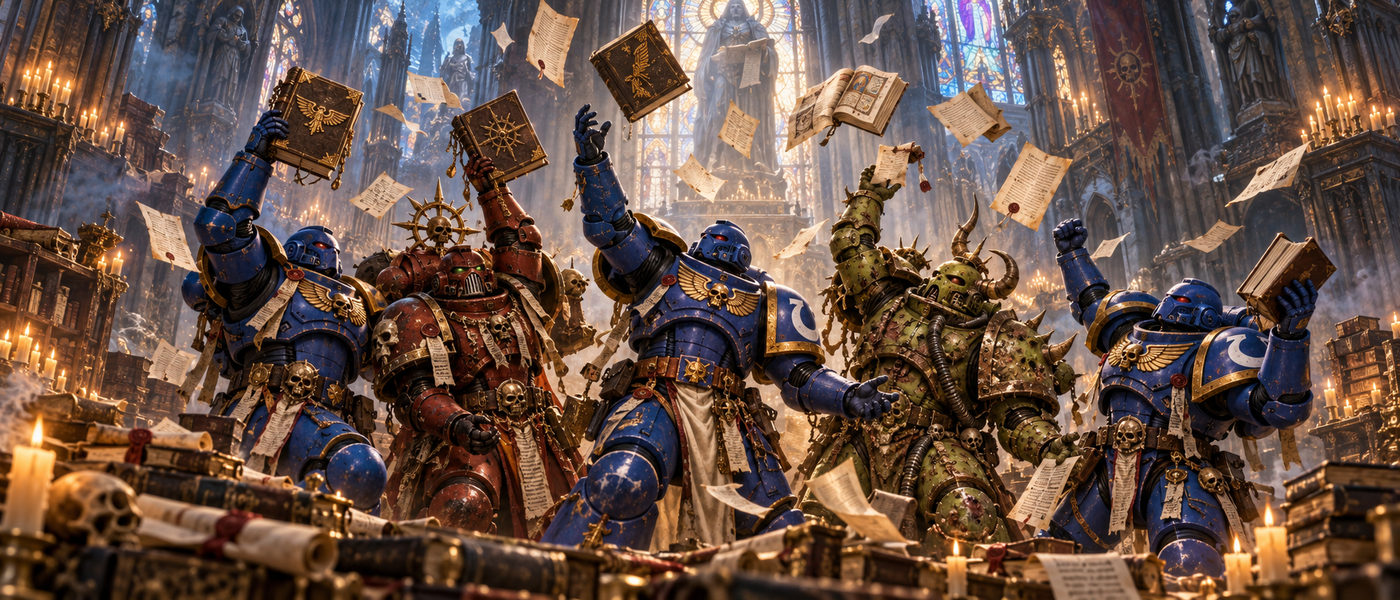
If you have been here before, you will notice right away: the archive has new robes. We rebuilt Liber Imperium from the first page to the last button, and everything in it now serves one purpose — helping you find your next book without losing the thread across ten thousand years of history.
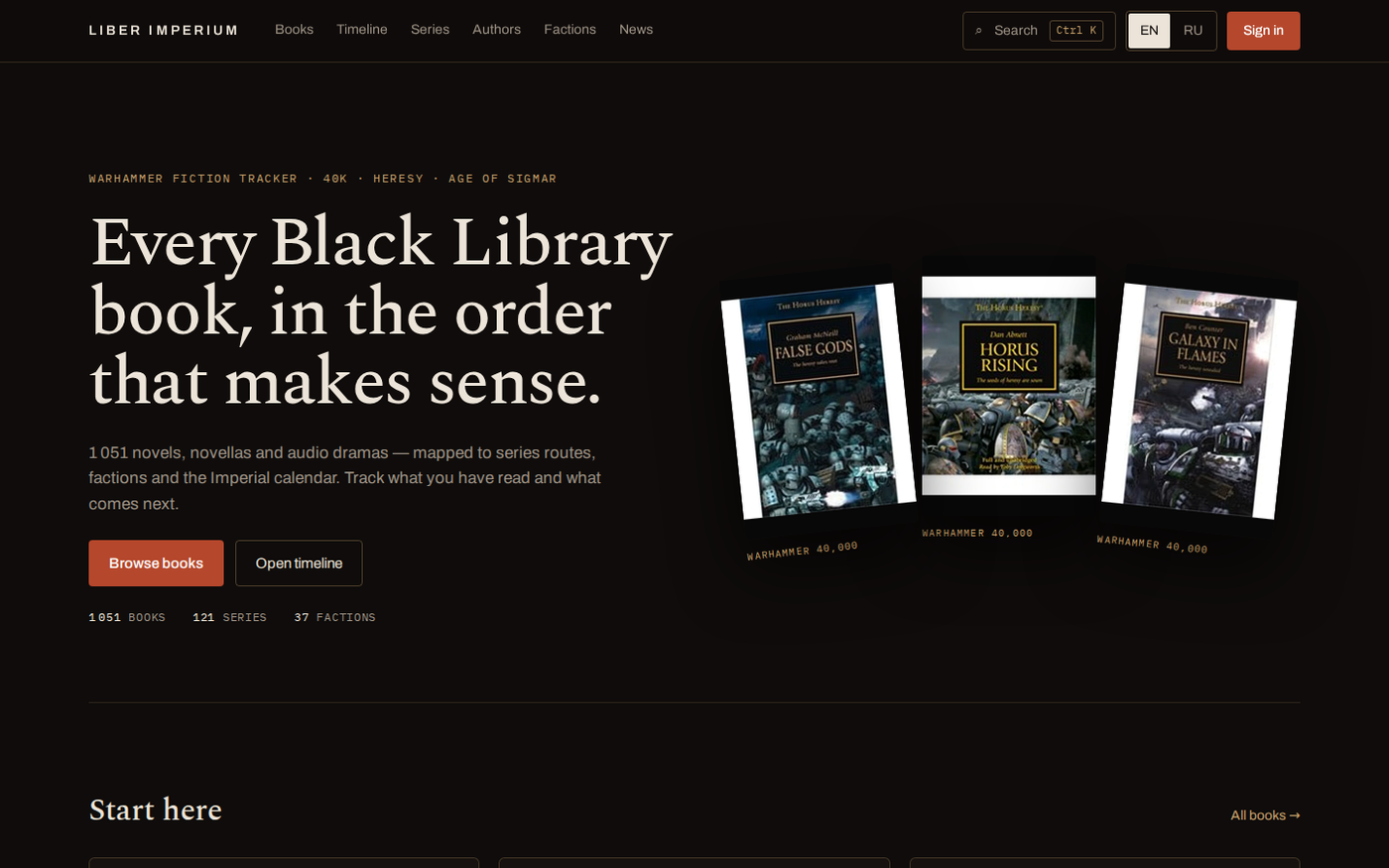
Dark as the vaults of Terra
Near-black, brass, parchment and vermilion. The site now looks like an archive you want to linger in. Book descriptions are set in a proper book typeface, so even a long synopsis is a pleasure to read.
Find anything in a second
Press Ctrl+K on any page and start typing. Books, authors, series and factions appear at once, each in its own group. No more remembering which section something lives in.
In the catalog, a couple of clicks narrow things down to the Horus Heresy, 40K or Age of Sigmar, to audiobooks only — or to what is already on your shelves.
Every book in its place
Open any novel and you see at once where it stands in history: what came before, what comes after, and what year it is by the Imperial calendar. The order follows the in-universe chronology rather than publication dates, so reading the Heresy in order is finally simple.
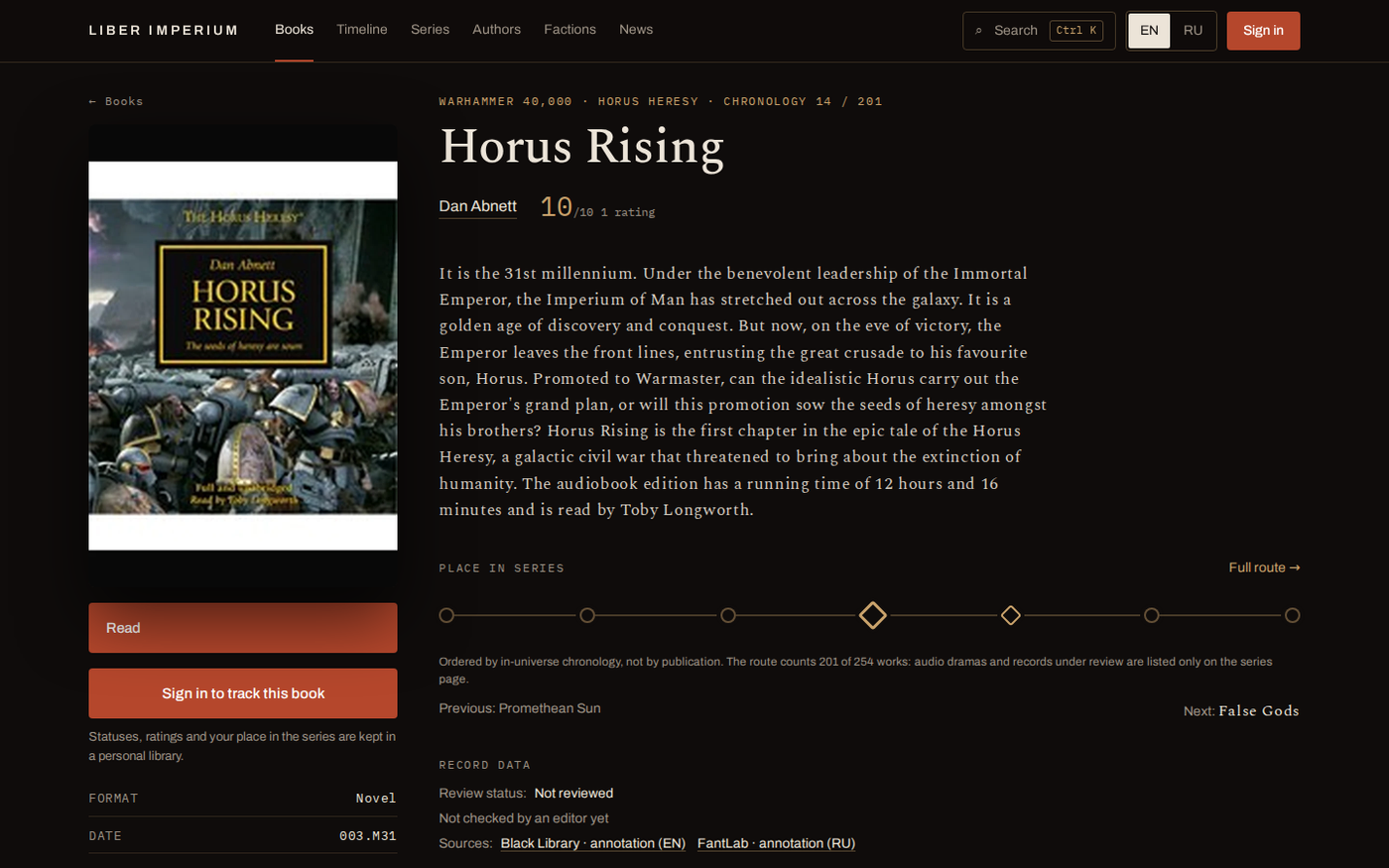
Marking a book as read, rating it and writing a review all happen right on the book page, without leaving it.
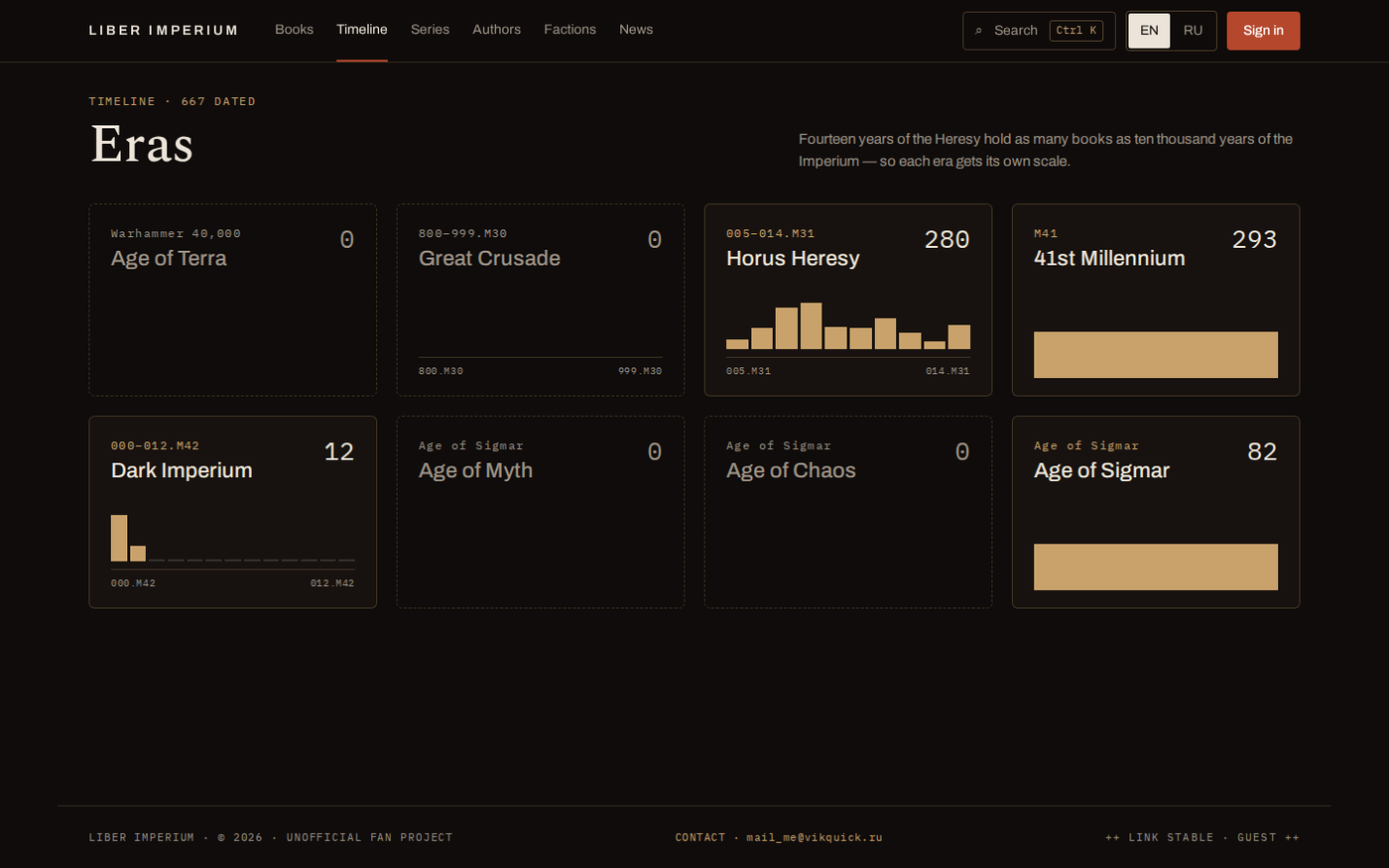
Ten thousand years on one screen
The timeline lays the setting out by era — from the Great Crusade to the Age of Sigmar — and shows how many books tell the story of each. Pick an era and walk through it year by year.
Read and listen, right here
If a book has files, you can open it right on the site. Pick your font and size, switch to night mode or sepia, bookmark your favourite chapters. The site remembers where you stopped.
Audiobooks play in the built-in player: speed up to 3×, set a sleep timer and skip chapters from your lock screen.
Your library, your path
Set a goal for the year and watch your progress grow. Build lists for yourself or for friends: if you like someone else’s list, copy it and make it your own. And the hours you spend reading raise your rank — there are seven in all.
Just as good on your phone
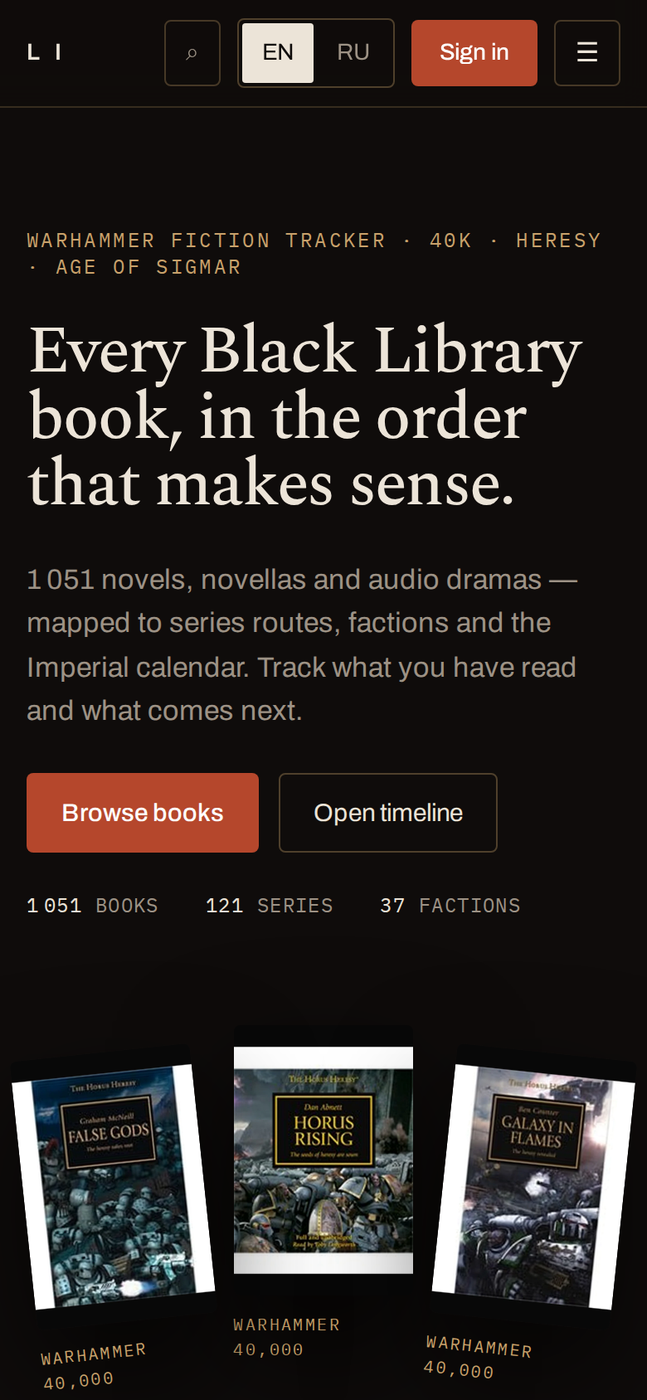
The site works just as well on a big monitor as on a phone on the train: everything is within reach, nothing hides or falls apart.
Look up a book while you wait in line, mark it as read on the way home, and finish the chapter before bed — right where you left off on your computer.
We will keep improving the archive. If something does not work as it should or something is missing, write to mail_me@vikquick.ru. A mistake in a book’s data can be reported right on its page. Ave Imperator — and happy reading.